
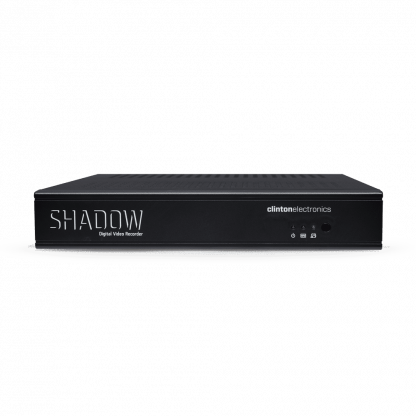

960H
Record 960H at 30 frames per second across all channels.
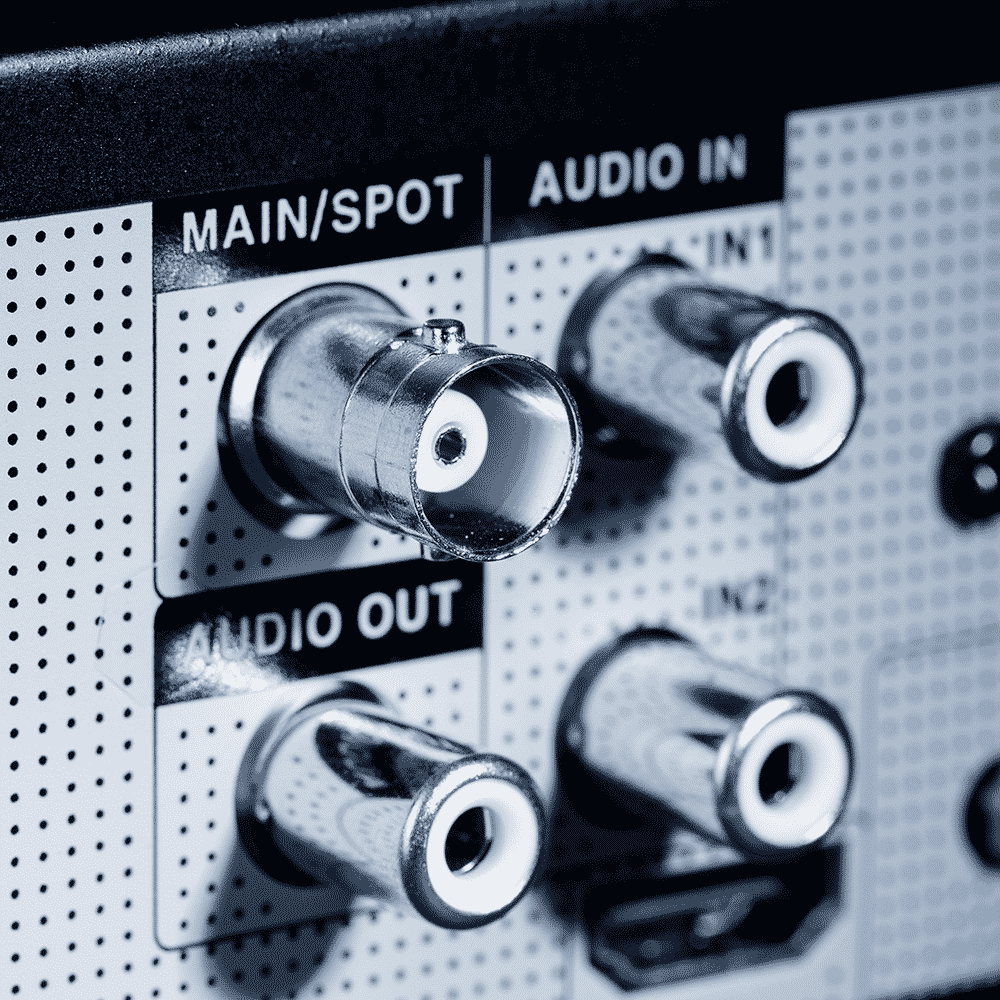
SPOT OUTPUTS
Composite BNC main monitor output can be configured as a spot monitor output.
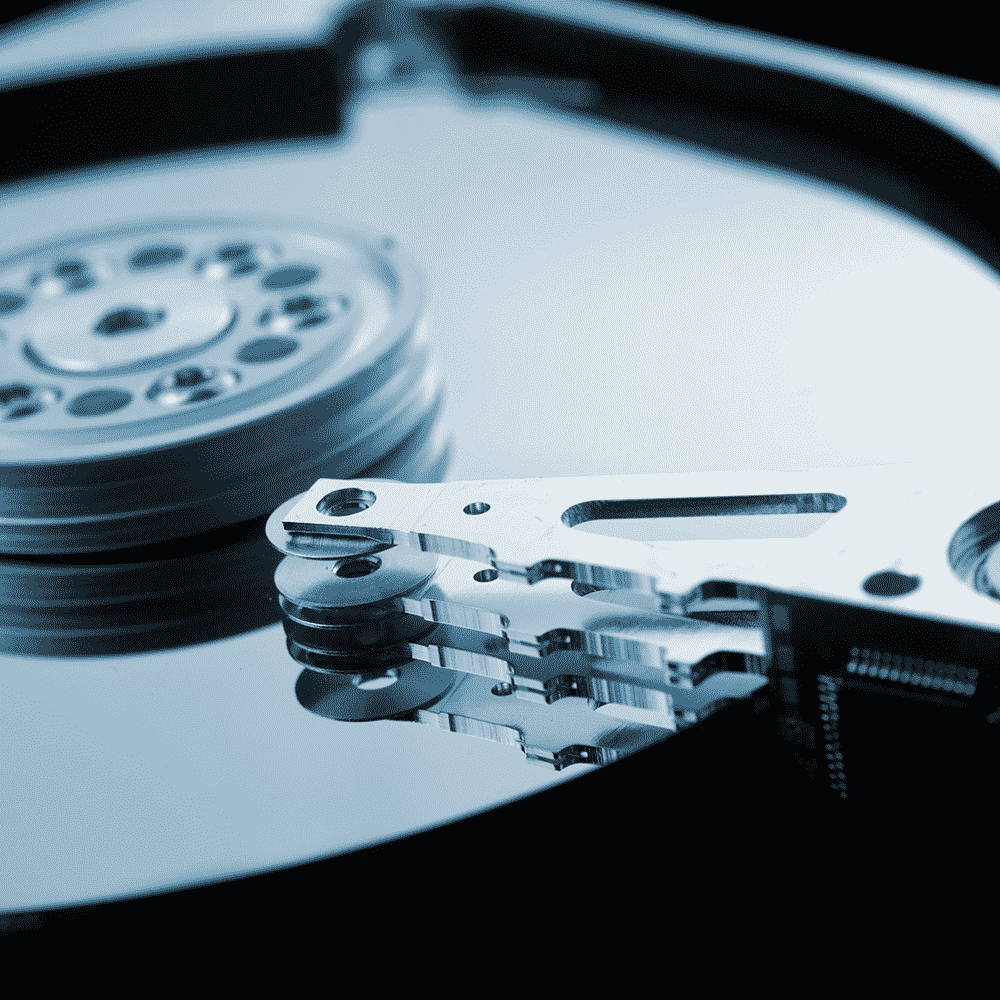
HDD OPTIONS
1 TB Standard
DVR Connect App
DVR Connect is a next level DVR App that possesses features not commonly found on other DVR apps: features such as multiplex view, image save function, and PTZ control. DVR Connect also lets you view live video, search recorded video, freeze live video and save multiple DVRs to the built-in address book.
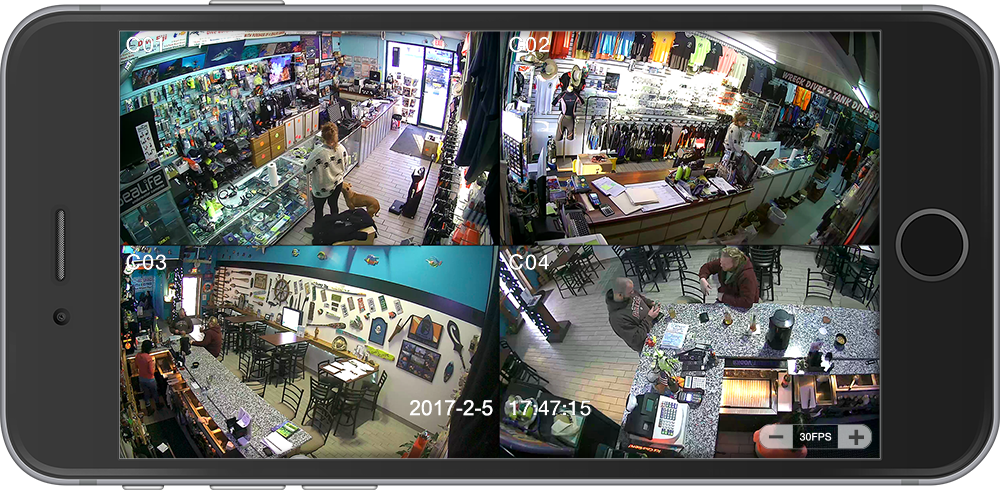
VIEW LIVE VIDEO
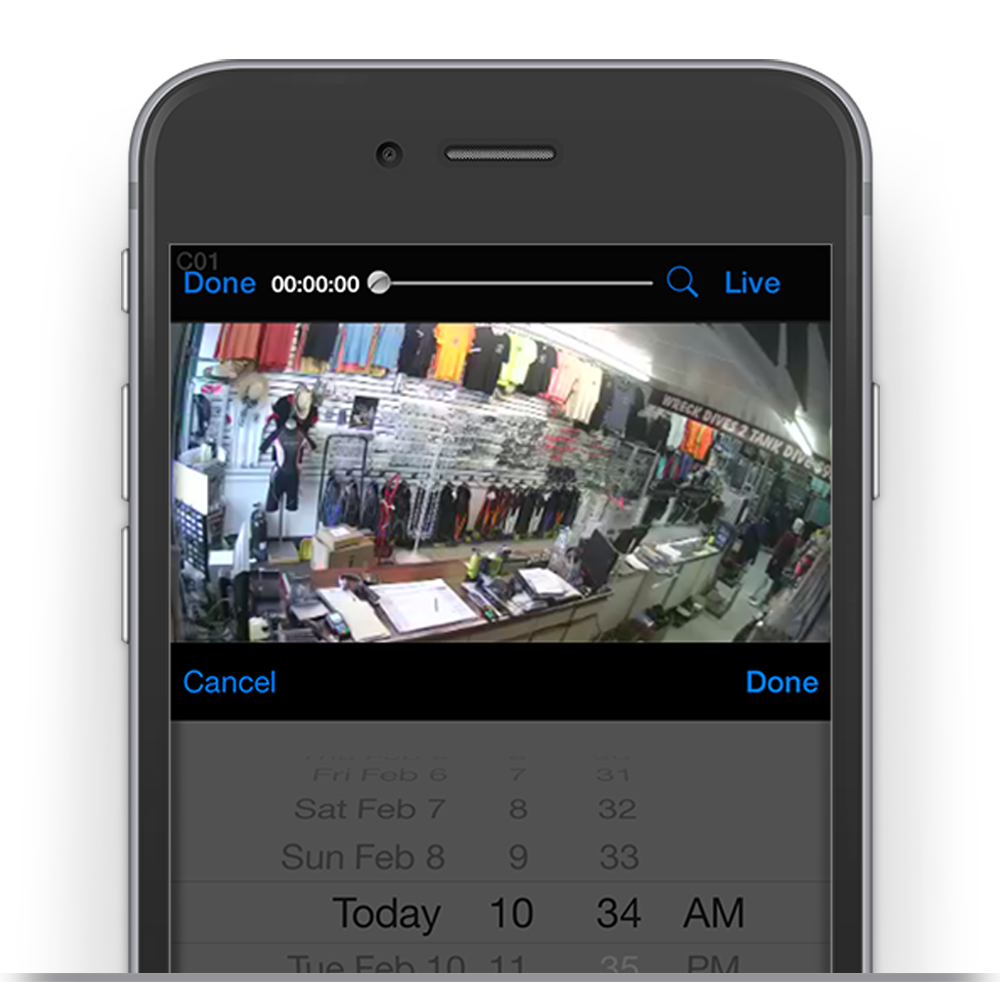
PLAYBACK VIDEO
Quickly locate the desired recorded video by entering the date and time.
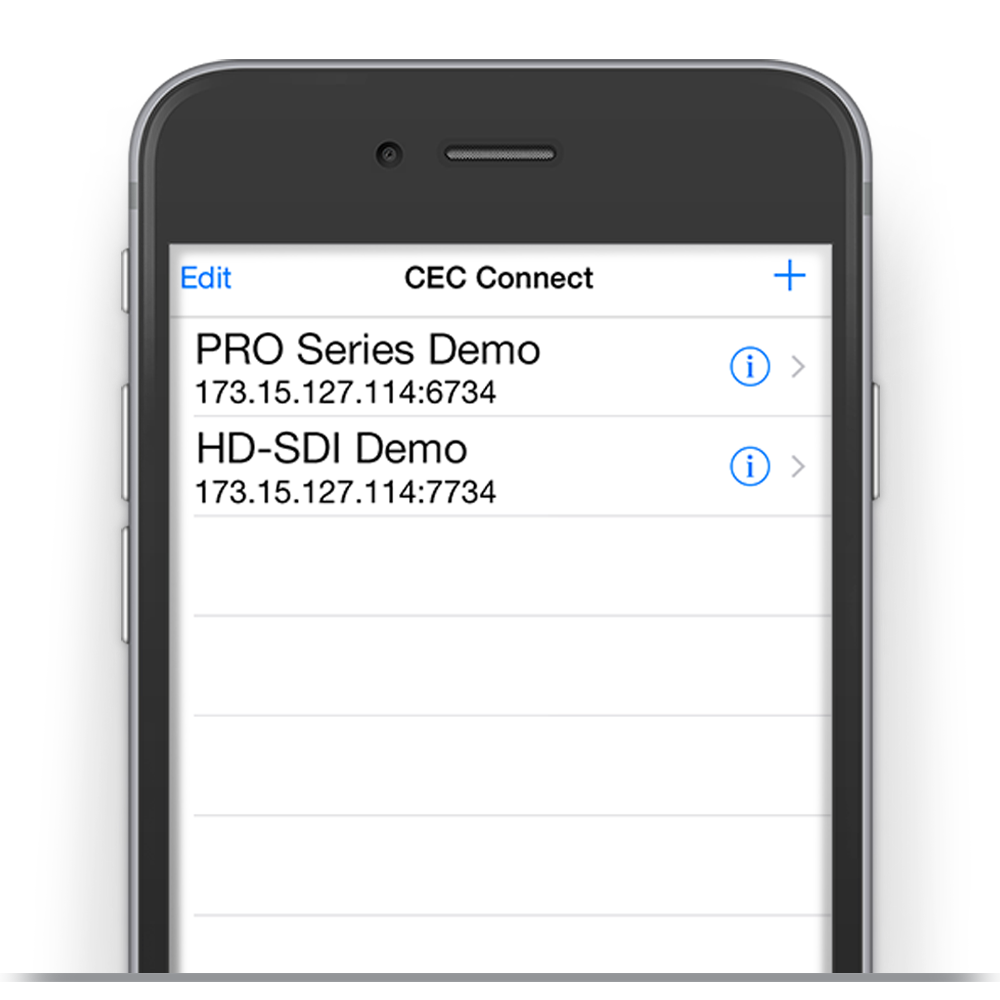
ADDRESS BOOK
Save multiple DVR login settings in the address book for quick access.
FREE DOWNLOAD
Available for free download from the App Store & Google Play. (iOS requires iOS 5.1.1 or higher, Android™ requires Android 2.1 or higher).
Channels
Video Input
4 Channels
Input Type
Composite BNC
Storage and Backup
Standard HDD
1TB
Optional HDD
2TB (1 HDD Slot)
Backup
Local: USB Flash Drive (Up to 32GB)
Remote: AVMS Remote Software (Windows PC)
Recording
Recording Frame Rate
120 FPS Global (30 FPS per channel)
Recording Mode
Time / Motion / Event
Recording Resolution
960H, D1, or 1/2 D1
Video Codec
H.264
Recording Quality
Highest / High / Normal / Low
Audio Codec
ADPCM
Display
Video Output (Main)
1 Composite Video Output
1 VGA Output
1 HDMI Output
Live View
120 FPS
Video Output (Spot)
Main BNC can be configured as a Spot Output
Multiplex View
1 / 4
Spot Configuration
Channels 1-4 (Sequenceable)
Connections
Audio
4 RCA Inputs / 1 RCA Output
Ethernet
1 RJ45 (100-1000 Mbps)
USB
2 Ports (Rear)
PTZ Keyboard
RS-485
Search
Playback Speed
x1, x2, x4, x8, x16
Mode
Quick, Calendar, Event, Overlapped List, Museum, Go to First / Last
System
Operating System
Embedded Linux
PTZ Support
Multiple Protocols Supported (including Clinton, Pelco, Panasonic, Kalatel, etc.)
File Format
Proprietary DVR Format
Network Bandwidth
8 Mbps – 50 Kbps, SMS 1 Mbps minimum
Menu Control
IR Remote or Mouse
Security
Password Protection
2 Admin / 6 Users (DVR and Remote View)
Data Authentication
Watermark
Remote Viewing
PC
Includes AVMS Remote Software (Windows PC)
Mobile
CEC Connect App (iOS and Android)
Web Browser
Internet Explorer (Windows)
Power Requirements
Type
DC12V
Power Supply
Includes DC12V Power Supply
Power Consumption
10 Watts (0.833 Amp)
Physical
Product Dimensions
11″ (W) x 11.25″ (D) x 2″ (H)
279.4mm (W) x 285.75mm (D) x 50.8mm (H)
Product Weight (Without HDD)
3.05 lbs (1.383 kg)
Environmental
Operating Temperature
32° to 104° F (0° to 40° C)
Operating Humidity
20% to 80% RH
What’s Included
AVMS Remote Software Disc
DC12V Power Supply
Mouse
IR Remote
Warranty & Support
Warranty
3 Year Warranty w/1st Year Advance Replacement
Learn More
Technical Support
Free Lifetime Technical Support via Phone (1-800-549-6393)
Learn More
CEC Connect: The Ultimate CCTV DVR App
 CE-R4S Spec Sheet
 AVMS Software v1.0.3.4 Download
15" - 19"

21" - 27"

32" - 55"

Standard
Monitors
Cables
-
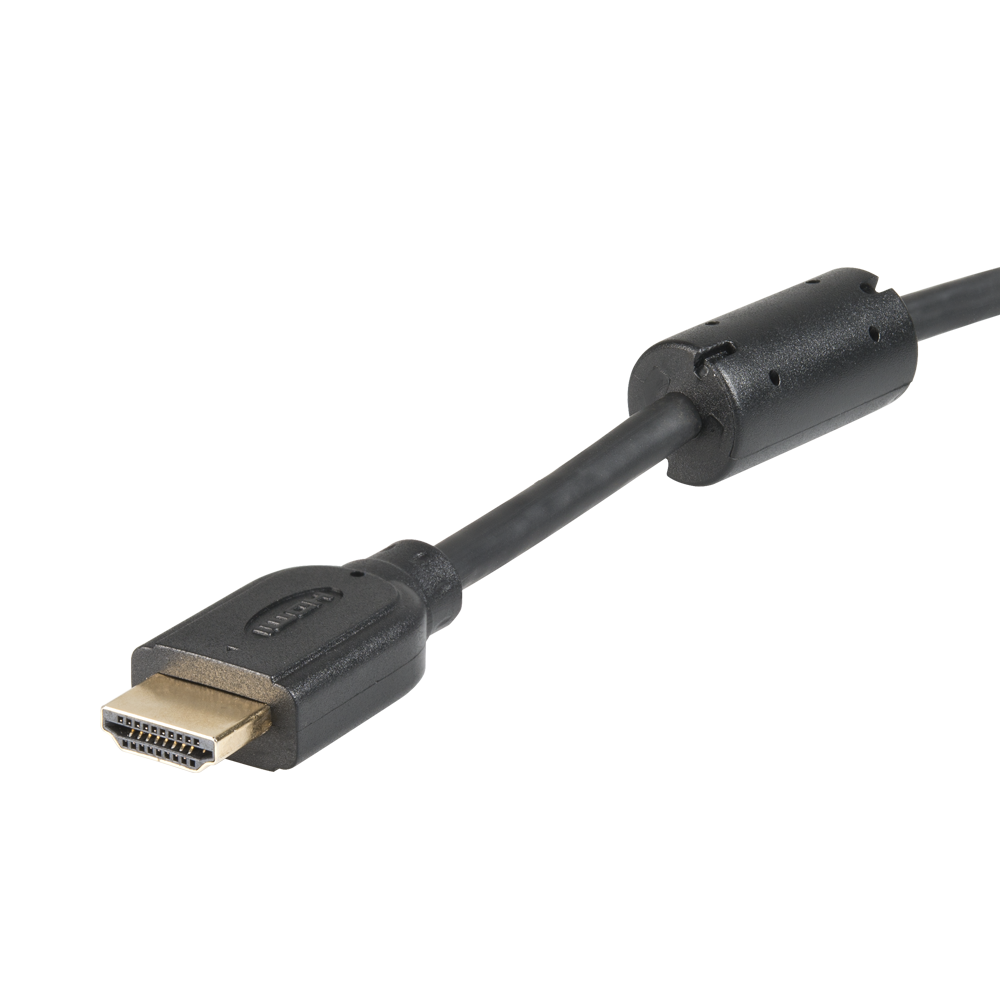 CE-HDMI
HDMI Cable
This product has multiple variants. The options may be chosen on the product page